6 Best Tools to Keep Your SaaS Help Center Up to Date in 2026
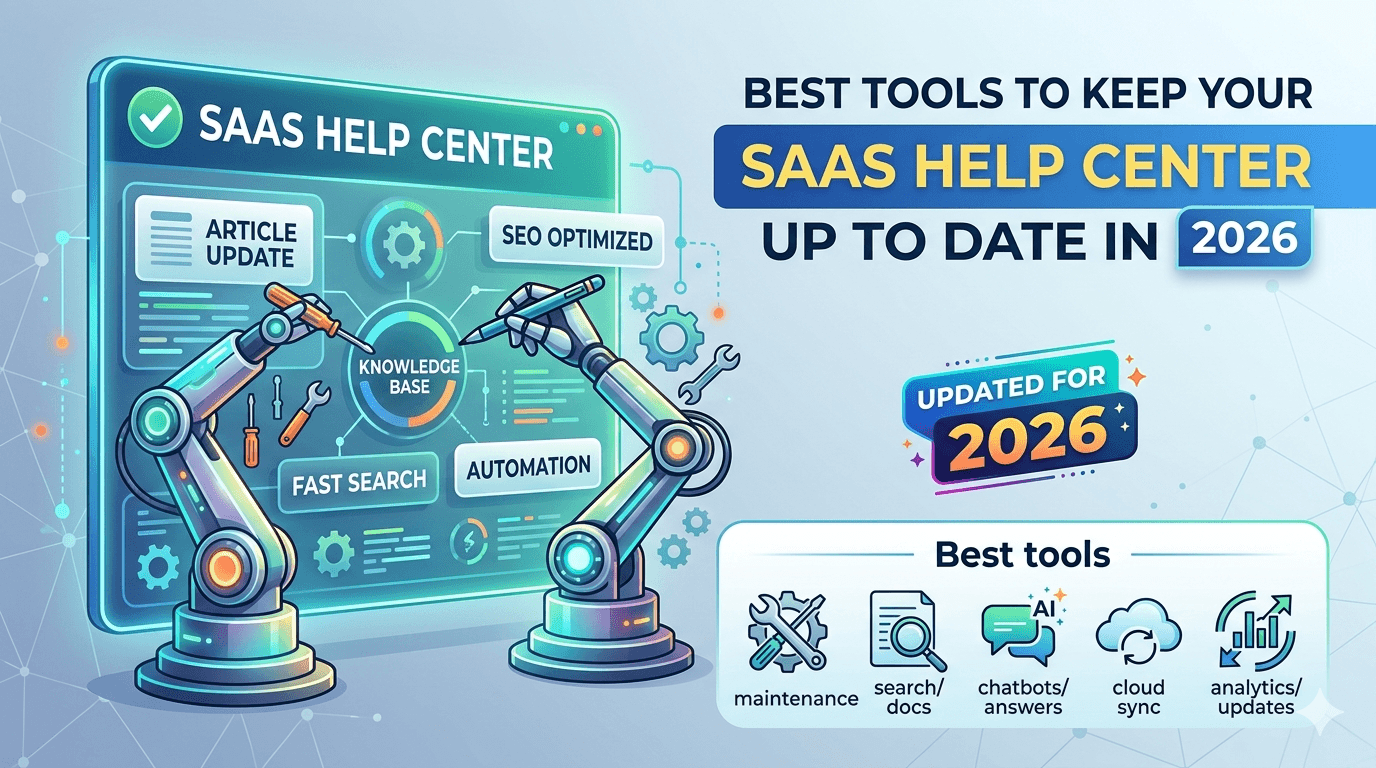
6 Best Tools to Keep Your SaaS Help Center Up to Date in 2026
Your team ships a new feature on Monday. By Tuesday, your help center is lying to customers. Buttons have moved, workflows have changed, and screenshots show a UI that no longer exists.
Outdated documentation is not just embarrassing — it drives up support tickets, erodes user trust, and slows down onboarding. Companies with inaccurate self-service documentation see significantly higher ticket volume compared to those that keep docs in sync with their product.
The core problem is simple: products change faster than humans can update documentation. The good news? A new generation of tools is tackling this exact problem. These are not just knowledge base editors — they are tools purpose-built to detect when your docs go stale and help you fix them, or fix them for you.
Here are the six best options in 2026.
1. KnowUp — Autonomous UI Monitoring and Doc Updates
Best for: SaaS teams that want help center updates triggered by actual product changes, with zero engineering effort.
KnowUp takes a fundamentally different approach to the freshness problem. Instead of monitoring code or tickets, KnowUp's AI agent logs into your product like a real user, navigates workflows, and detects UI changes the same way your customers would notice them.
How It Keeps Docs Up to Date
- Browser-Based Product Monitoring: An AI agent explores your live product autonomously, capturing screenshots and mapping every user-facing workflow. No SDK, no API integration, no code changes required.
- Visual Change Detection: When your UI changes — a button moves, a menu is renamed, a flow is restructured — KnowUp identifies every affected help article and drafts updated versions for your review.
- Automatic Screenshot Replacement: Captures fresh, high-resolution screenshots and swaps them into existing articles so your visuals always match reality.
- Native Sync with Support Platforms: Pushes approved updates directly to Intercom, Zendesk, or HubSpot in one click.
Why It Stands Out
Most tools on this list monitor your codebase or support tickets to detect staleness. KnowUp monitors the product itself — the same thing your customers see. This means it catches visual and workflow changes that code-level monitoring misses entirely, like third-party widget updates, CSS changes that move elements, or configuration-driven UI shifts.
Pricing
Free trial available. Paid plans start at a flat monthly rate based on the number of help center articles.
2. Ferndesk — AI Help Center That Audits Itself
Best for: SaaS teams that want an all-in-one help center with built-in content freshness audits powered by codebase monitoring.
Ferndesk is not just a documentation platform — it is an AI-native help center where the AI agent, Fern, actively works to keep your content current. It connects to your GitHub repository, support tickets, and internal docs to detect when articles need updating.
How It Keeps Docs Up to Date
- Codebase Monitoring: Connects to GitHub and watches for product changes that could make existing articles inaccurate.
- Weekly Content Audits: Fern audits your support inbox, community forums, and product releases every week, flagging stale content and drafting updates.
- Support Ticket Analysis: Reads incoming tickets to identify gaps in your help center — topics customers ask about that have no article yet.
- Changelog-Triggered Drafts: When you publish release notes, Fern cross-references them against your existing help articles and suggests edits.
Why It Stands Out
Ferndesk combines the help center itself with the maintenance engine. You do not need to bolt a separate auditing tool onto your existing KB — the freshness monitoring is native. It is especially strong at identifying content gaps from support conversations.
Pricing
Starts at $39/month (Startup plan) with AI article drafting and analysis of up to 1,000 support tickets monthly.
3. Mintlify — Code-Aware Documentation That Updates on Deploy
Best for: Developer-focused SaaS products that want documentation to stay in sync with every code deployment.
Mintlify's Autopilot agent monitors your codebase and proposes documentation updates the moment you ship. It is purpose-built for technical documentation — API references, developer guides, and SDK docs — where code changes directly impact what users need to know.
How It Keeps Docs Up to Date
- PR-Triggered Updates: When you merge a pull request, Autopilot reviews the changed files and identifies which docs need updating.
- Context-Aware Drafts: The agent has full context of your codebase and existing documentation, including structure and tone. It writes draft updates that match your style.
- Customizable via AGENTS.md: Define code example standards, API documentation requirements, and style guidelines — the agent follows these instructions.
- OpenAPI Auto-Sync: API reference documentation is auto-generated and updated from your OpenAPI spec.
Why It Stands Out
Mintlify is the strongest option for code-driven documentation. If your help content is tightly coupled to your codebase (API docs, developer portals, technical references), Autopilot catches changes at the source. It is less effective for end-user help centers where UI changes matter more than code changes.
Pricing
Autopilot agent available on Pro ($300/month) and Custom plans.
4. Pylon — AI Knowledge Management from Support Conversations
Best for: B2B support teams that want their knowledge base to evolve based on what customers are actually asking.
Pylon approaches the freshness problem from the support side. Instead of monitoring your product or codebase, it watches your support conversations across Slack, email, chat, and Teams — then uses that signal to keep your knowledge base accurate and complete.
How It Keeps Docs Up to Date
- Knowledge Gap Detection: AI analyzes support interactions to identify topics customers ask about that are missing from your help center.
- Auto-Draft from Agent Responses: When your support team writes a great answer, Pylon can automatically draft it into a help article.
- Duplicate and Contradiction Detection: Flags when multiple articles cover the same topic or give conflicting information.
- Staleness Signals: If customers keep asking about a topic that has an existing article, Pylon flags it as potentially outdated since users are not finding or trusting the current content.
Why It Stands Out
Pylon does not guess what is outdated — it measures it from real support volume. If an article exists but tickets keep coming in on the same topic, something is wrong. This demand-driven approach complements product-monitoring tools like KnowUp nicely.
Pricing
Contact Pylon for pricing. Primarily built for B2B support teams.
5. Slite — AI-Verified Internal Knowledge
Best for: Teams that need internal documentation to stay verified and current, with built-in expiration workflows.
Slite focuses on keeping internal knowledge fresh through a structured verification system. While it is primarily an internal tool, many SaaS teams use it as the source of truth that feeds their external help center.
How It Keeps Docs Up to Date
- Verification Workflows: Articles have owners and expiration dates. When content is due for review, Slite notifies the responsible person.
- AI Freshness Suggestions: Slite's AI detects content that may be outdated based on age, low engagement, or contradictions with newer articles.
- Knowledge Gap Analysis: AI identifies topics your team frequently discusses in chat but that have no corresponding documentation.
- Ask AI: Team members can ask questions and get answers synthesized from your knowledge base — surfacing gaps when the AI cannot find an answer.
Why It Stands Out
Slite is the best option if your internal documentation is the bottleneck. When your support team does not have access to accurate internal docs, the external help center suffers too. Slite's verification system ensures that knowledge stays trustworthy at the source.
Pricing
Free plan available. Paid plans start at $8/member/month.
6. Stonly — Interactive Guides That Adapt to Product Changes
Best for: Teams that want step-by-step interactive guides instead of static articles, with modular content that is easier to maintain.
Stonly takes a different approach to the staleness problem: instead of writing long articles that rot as a whole, you build modular, interactive guides where each step is an independent content block. When your product changes, you only update the affected steps — not the entire article.
How It Keeps Docs Up to Date
- Modular Content Architecture: Each step in a guide is independent. Change one step and every guide that uses it updates automatically.
- Usage Analytics per Step: See exactly which steps users get stuck on or abandon, signaling that the content may no longer match the product.
- AI-Powered Chatbot: Surfaces the right guide step based on user questions, and flags gaps when it cannot find relevant content.
- Embedded Guides: Guides live inside your product, so support teams see immediately when a guide no longer matches the interface around it.
Why It Stands Out
The modular approach means less surface area for content rot. Instead of 50 articles that each need full review, you maintain a library of reusable steps. It is especially effective for onboarding flows and feature walkthroughs that change frequently.
Pricing
Contact Stonly for pricing. Free trial available.
How to Choose the Right Tool
Each tool attacks the freshness problem from a different angle. The right choice depends on where your documentation breaks down.
| Your Biggest Problem | Best Tool | |------|-------------| | UI changes break screenshots and workflows | KnowUp | | No one notices articles are outdated until users complain | Ferndesk | | API and developer docs drift after deploys | Mintlify | | Same tickets keep coming despite having articles | Pylon | | Internal docs are unreliable, causing wrong external content | Slite | | Long articles rot because updating one step means rewriting everything | Stonly |
Combine for Full Coverage
The strongest setup combines product-level monitoring with support-level signals:
- KnowUp + Pylon covers both sides: KnowUp catches changes in your live product before users notice, while Pylon catches gaps and staleness from actual support conversations.
- Ferndesk works best as a standalone solution since it bundles the help center and the maintenance engine together.
- Mintlify is the clear winner for developer docs but should be paired with a UI-monitoring tool for end-user help centers.
The Bottom Line
In 2026, keeping a help center up to date is no longer a manual chore you assign to a rotating team member. Whether you choose an AI agent that monitors your live product, a platform that audits content from support tickets, or a modular guide system that reduces the blast radius of changes — the tools exist to solve this problem at the root.
The best time to fix your help center was six months ago. The second best time is today.
Ready to build your own knowledge base?
Start using KnowUp today and automate your documentation with AI.
Get Started for Free